Spaced repetition for LeetCode
Follow a plan. Learn the patterns. Keep them.
Pick a study plan and work through it chapter by chapter on LeetCode. ankify collects what you solve and brings each problem back before it fades. Then a Study Coach asks which technique it takes and what in the statement tells you, so you practice recognizing the pattern instead of reciting the code.
Free to start: new accounts get free AI credits, then use your own Anthropic, OpenAI, or DeepSeek key.
How it works
- 1
Pick a plan
Top Interview 150, LeetCode 75, Top 100 Liked, 灵茶山艾府's lists, or a public LeetCode list. Your solved history shows where you already are.
- 2
Solve on LeetCode
The Chrome extension collects a problem on your first new submission, pass or fail, with your code and the failing test case.
- 3
Review
Each problem comes back just before you'd forget it. Talk it through with the Coach on the web or beside LeetCode, then confirm your rating.
Plan
Always know what's next.
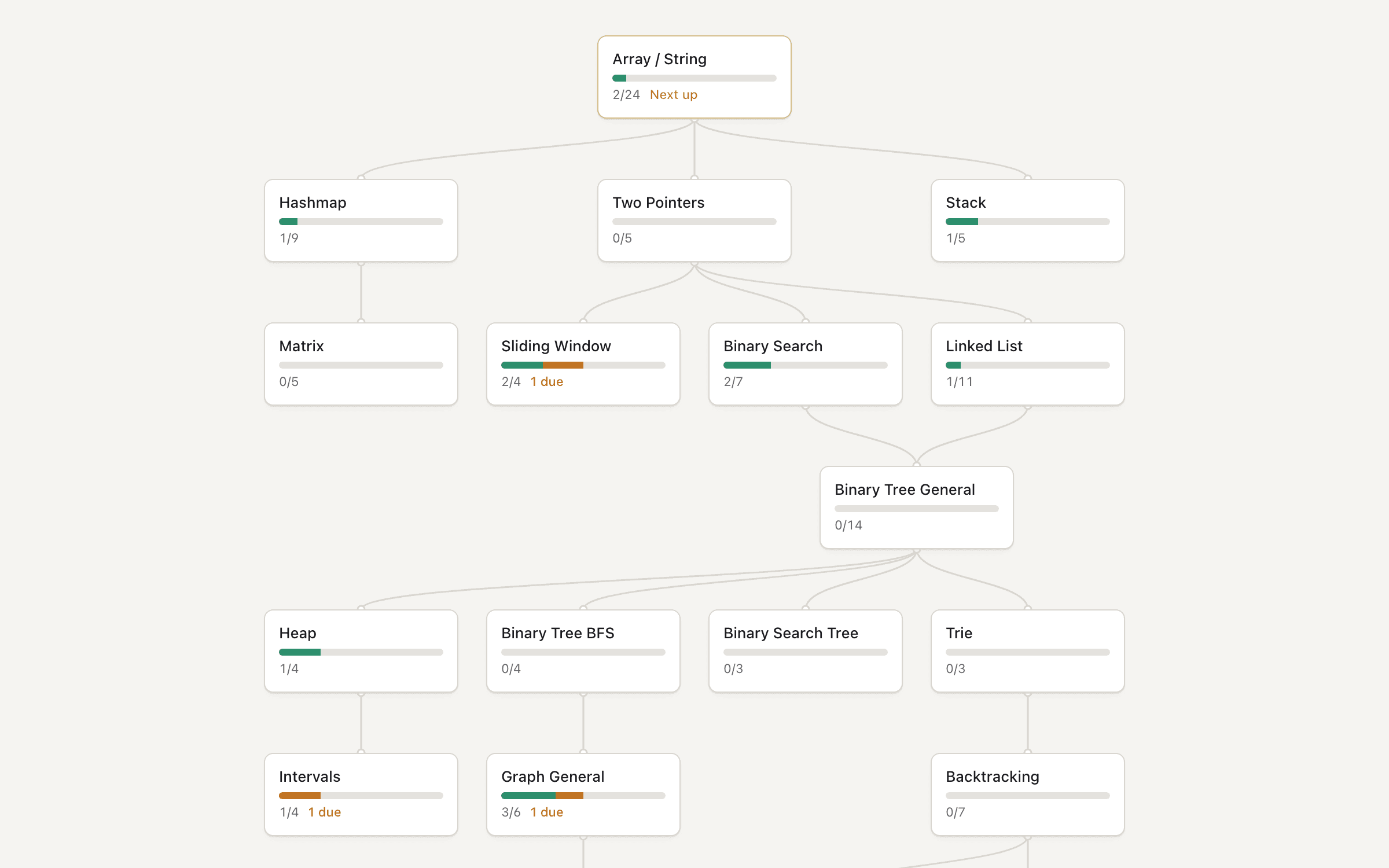
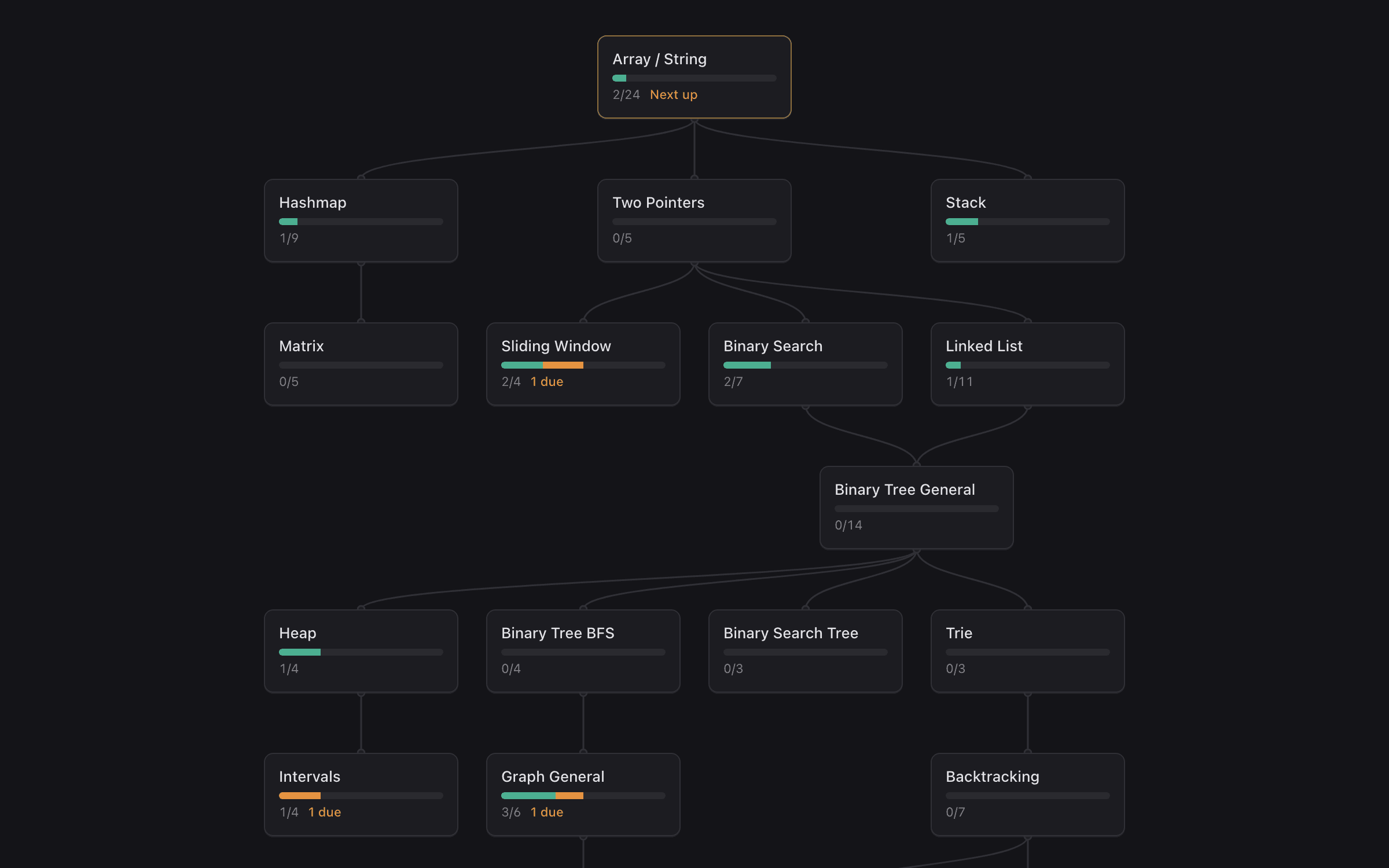
Your plan is a roadmap of chapters: what you've solved, what's in review, and what's due. Today shows your reviews first, then the next problem in your current chapter.
- Finish a chapter and go deeper on its technique
- Forget a review and get one easier problem with the same technique
- Finish the plan and get a focused one for what you forget most
Review
Each review starts with recognizing the pattern.
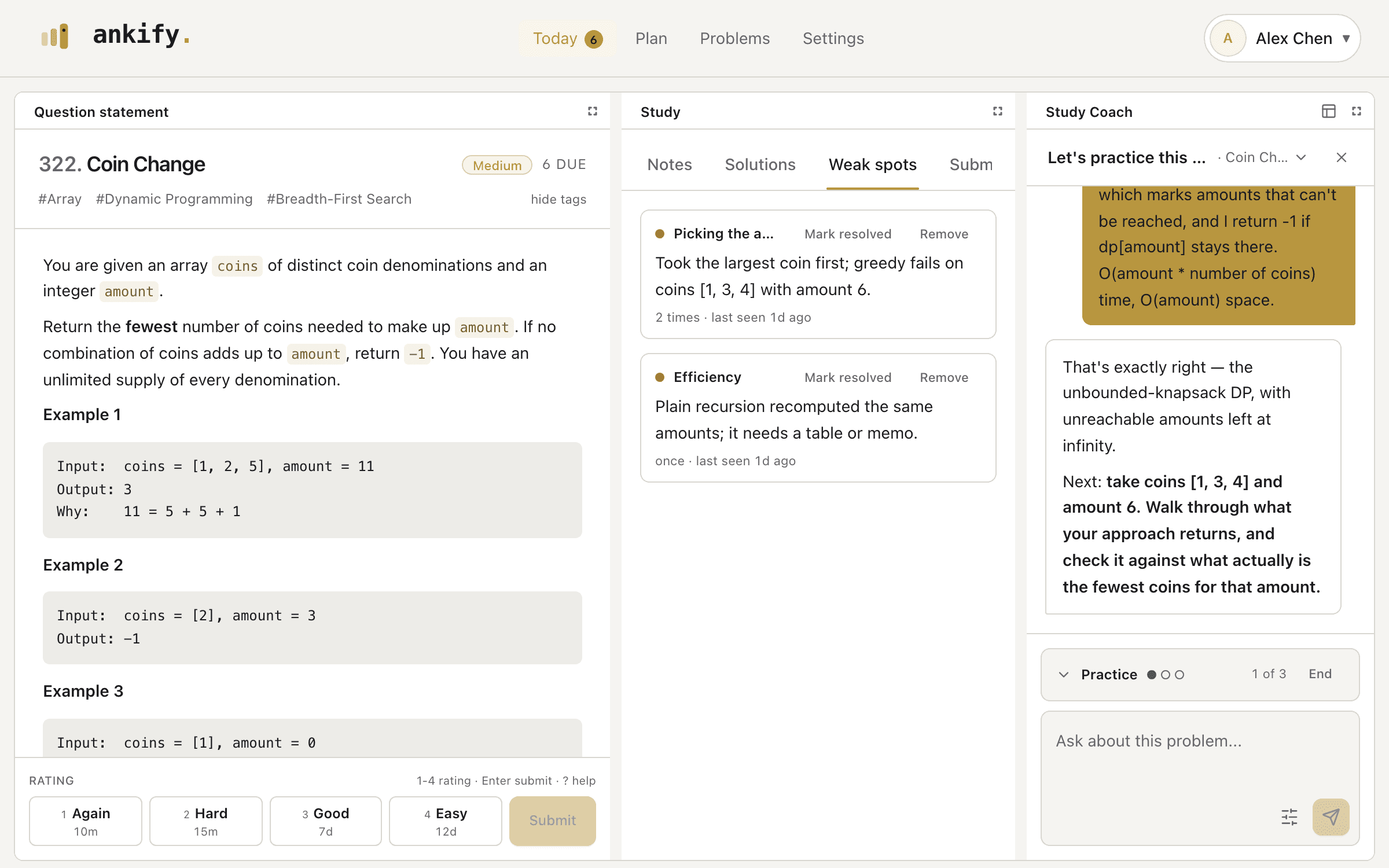
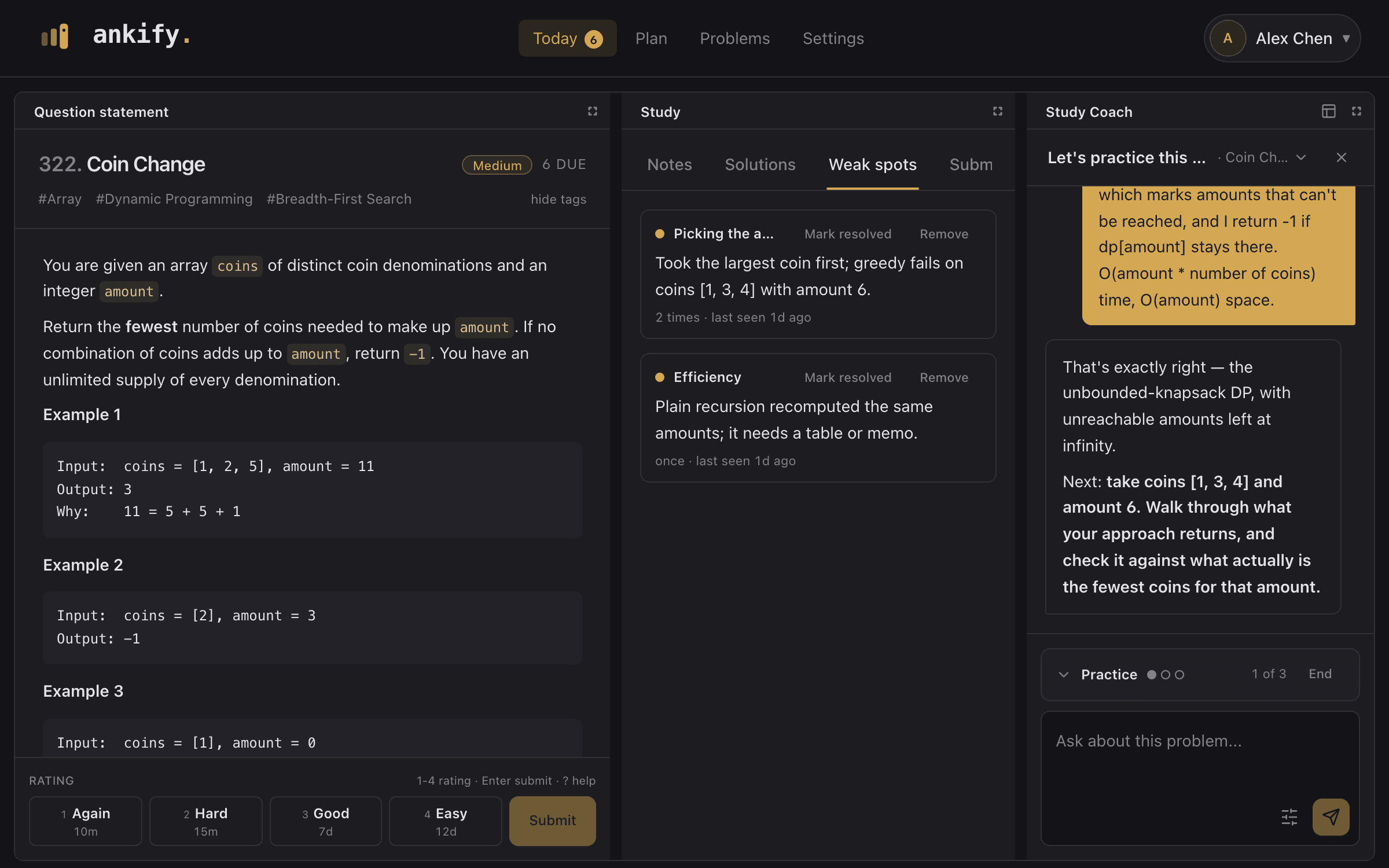
Say which technique the problem calls for and what in the statement points to it, then how you'd solve it and what it costs. Your reply is checked against a Solutions doc for that problem, and the Coach follows up only on what you left out.
- The more help you need, the lower the grade
- Next time it asks about the mistakes you made last time
- A rating is suggested, but you always decide
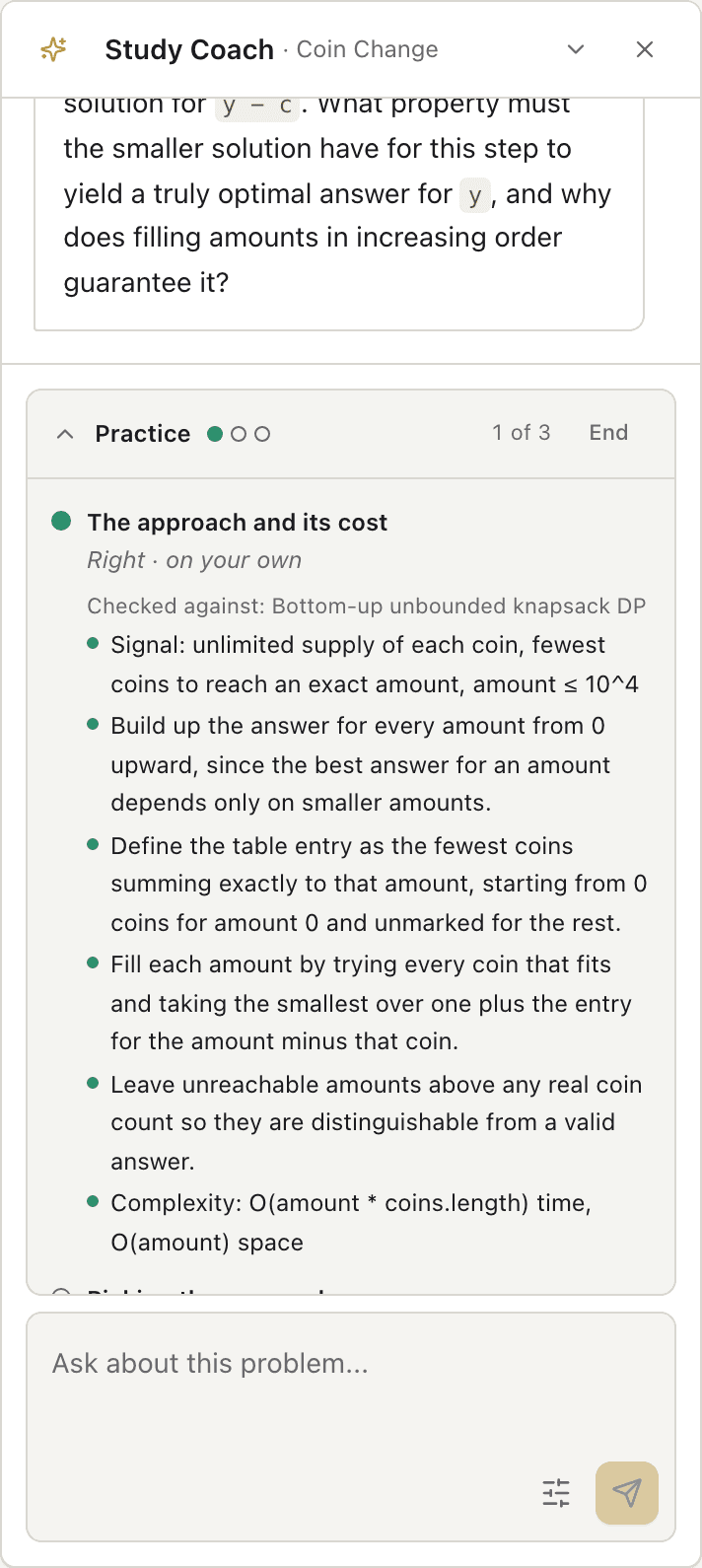
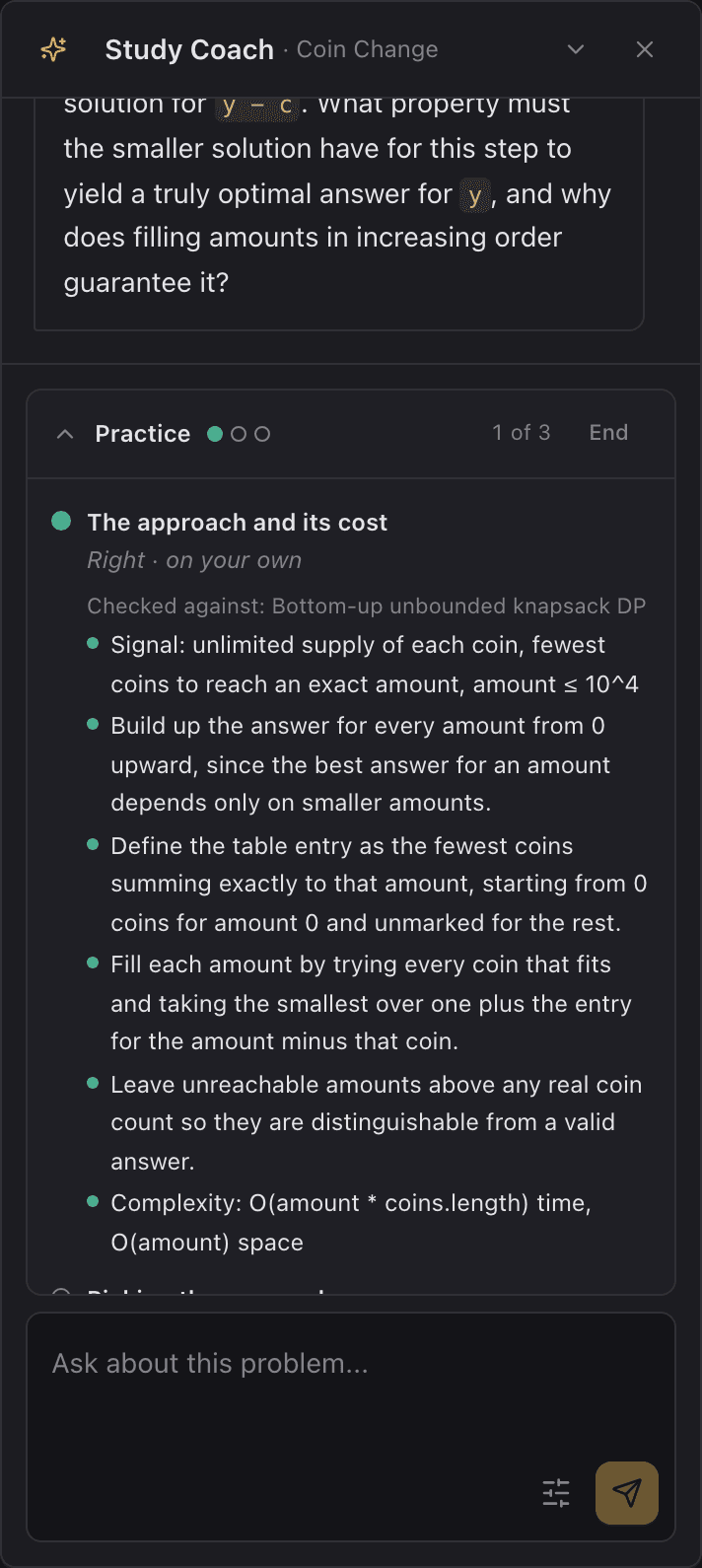
Study Coach
An AI tutor that has actually read your submissions.
Ask why an attempt failed and the Coach looks up your code, the failing case, and your notes before answering. It explains your mistake, not a generic editorial.
- Available beside every page, with conversations that persist
- Records the specific mistakes it finds as weak spots you can remove
- Edits to your notes wait for your approval
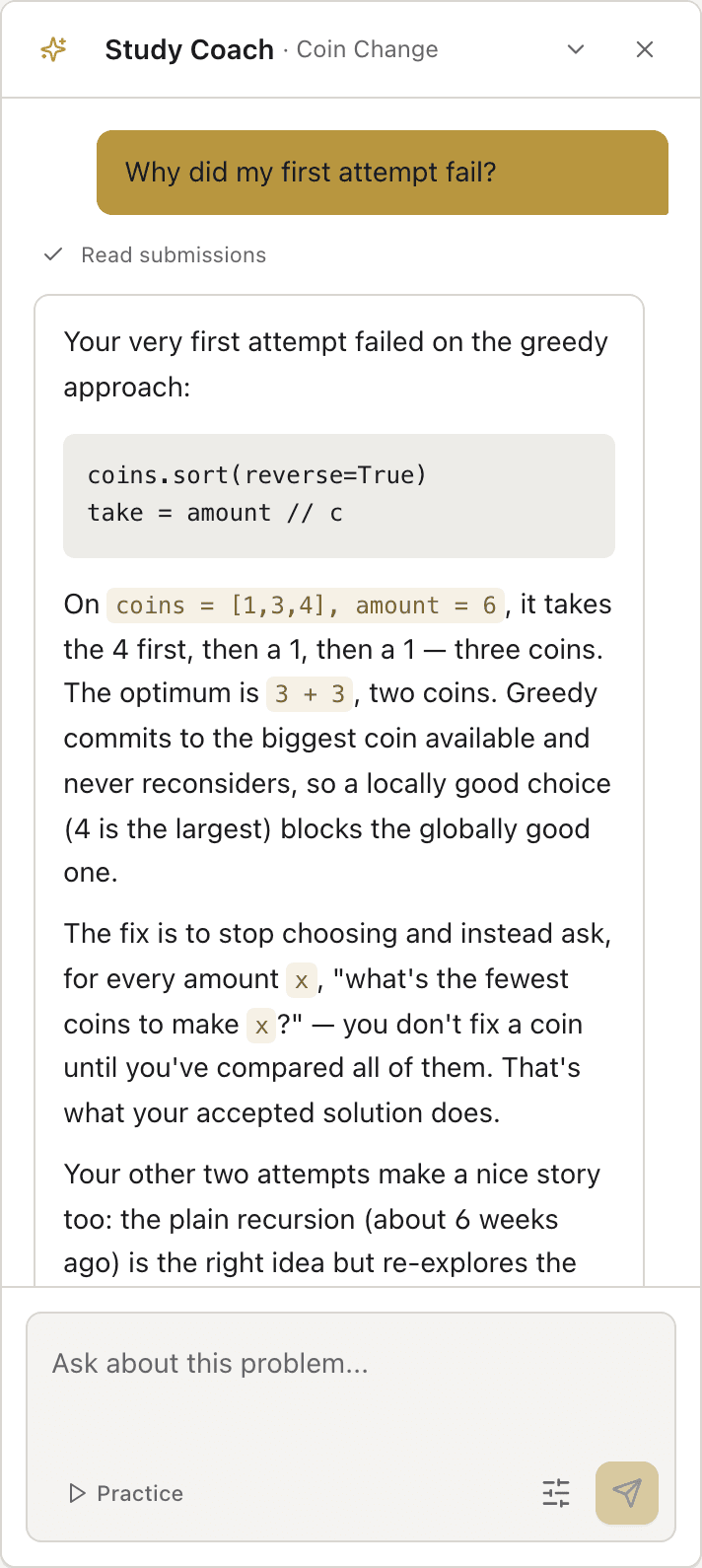
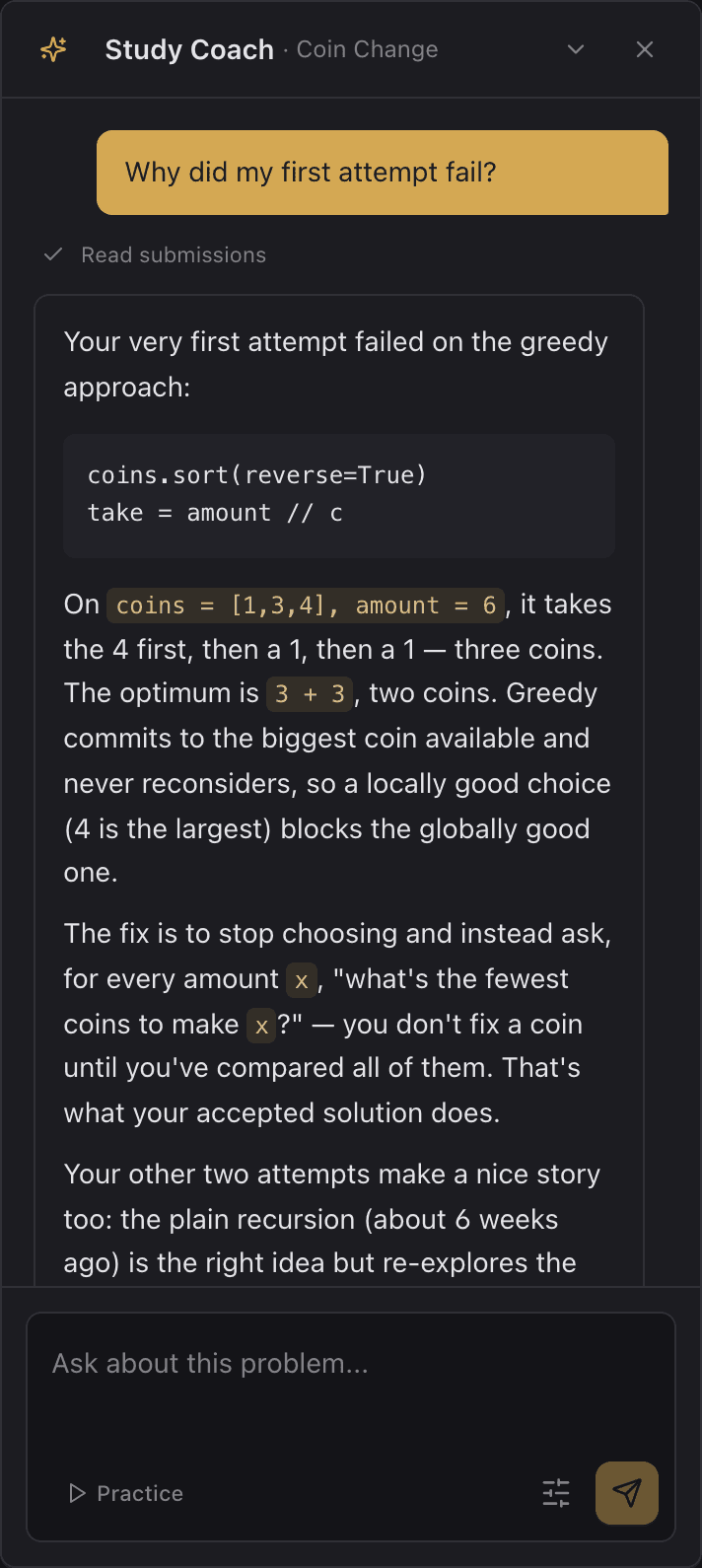
Chrome extension
Everything beside LeetCode.
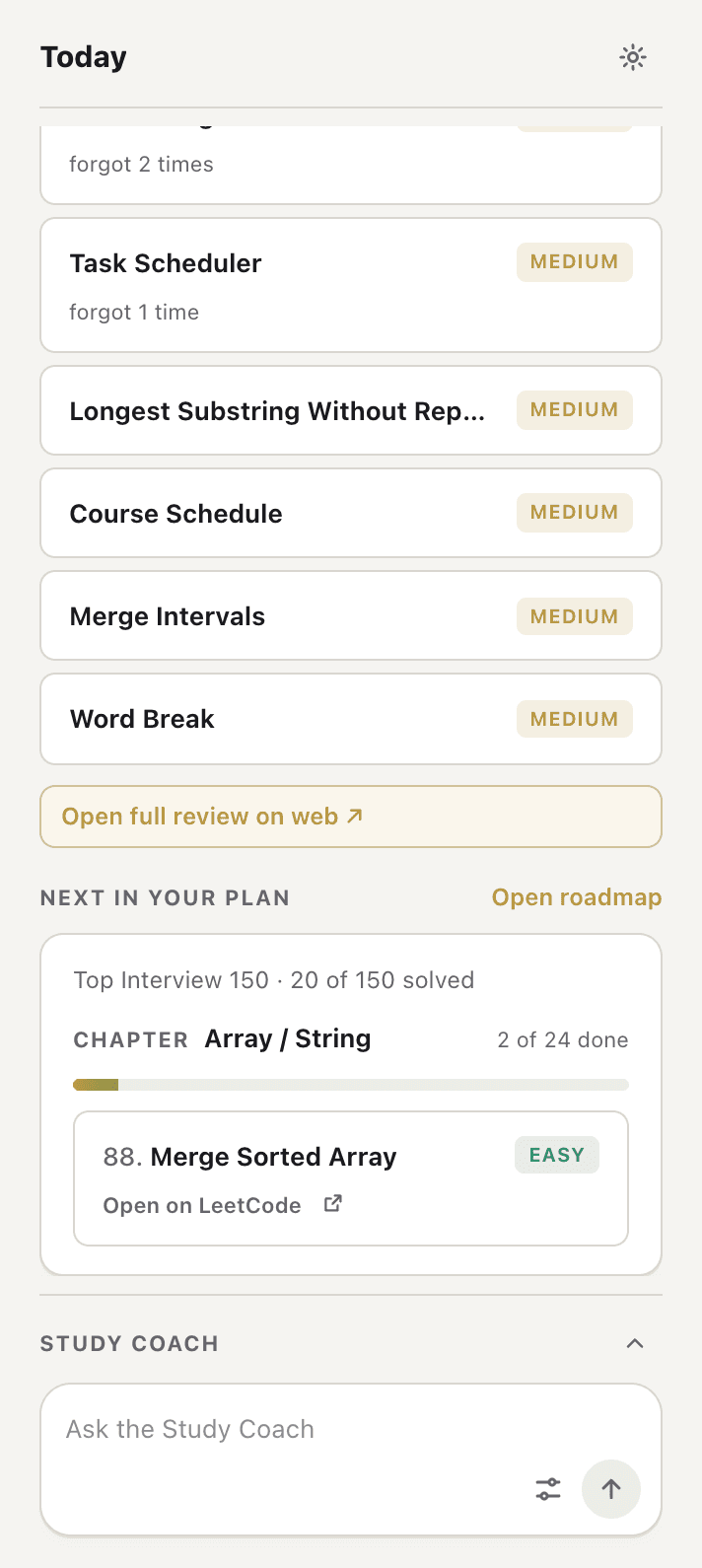
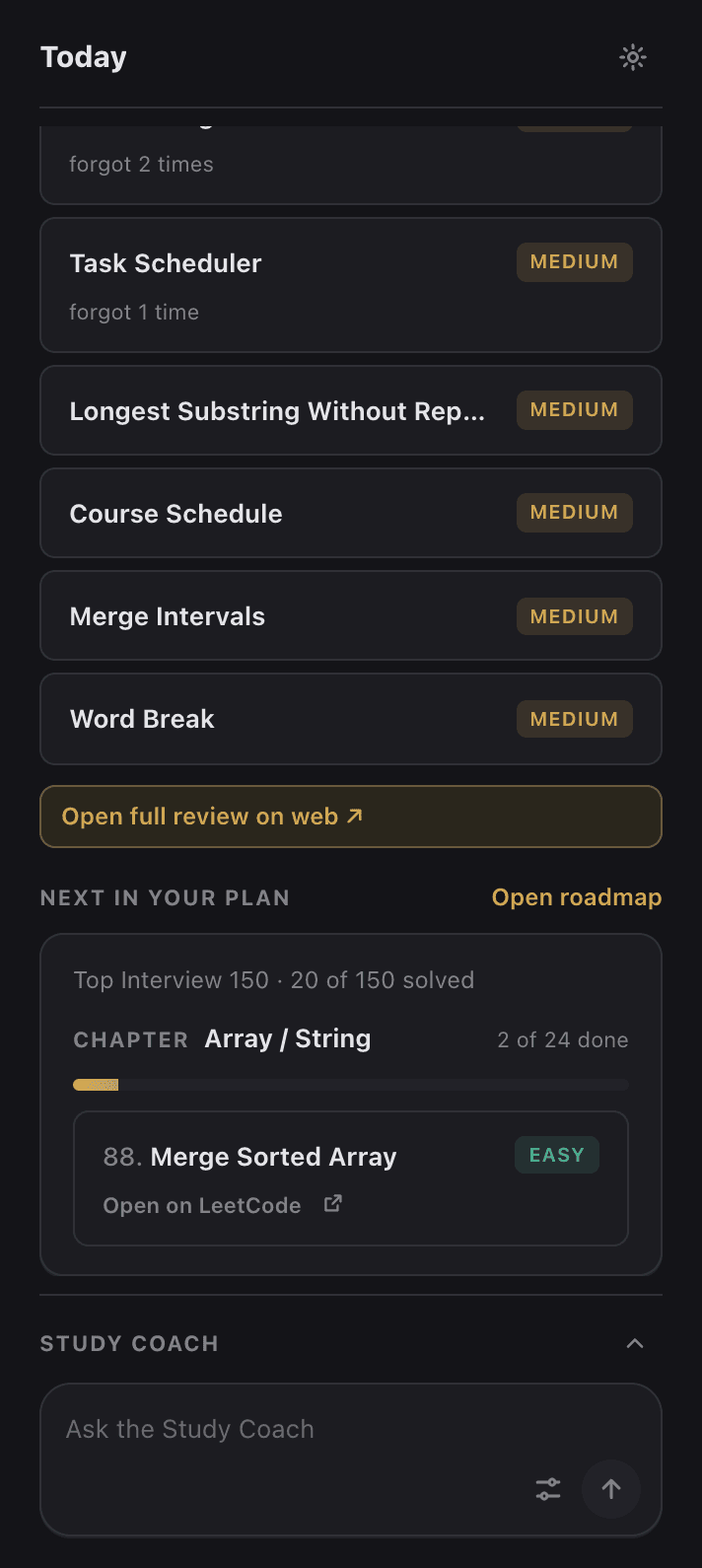
The side panel follows the problem in your current tab: the Coach, its weak spots, your notes and solutions, and the rating buttons when it's due. Away from a problem, it shows today's reviews and what's next in your plan.
- Collects a problem on your first new submission
- The Coach can read the code in your editor, and you can turn that off
- Shares your web login, so there's no token to paste
Keyboard-first
Rate with 1–4, submit with Enter, and press ? for help.
Free credits, then your key
Start on free AI credits, then add your own key. Keys are encrypted before they're stored, and your key always takes priority.
English or 简体中文
The interface and AI output each have their own language setting.
Your data stays yours
Export everything as NDJSON or delete your account from Settings.
Pick a plan and start with your next problem.
Sign in with Google, choose a plan, and add the extension. Free AI credits cover your first reviews.